

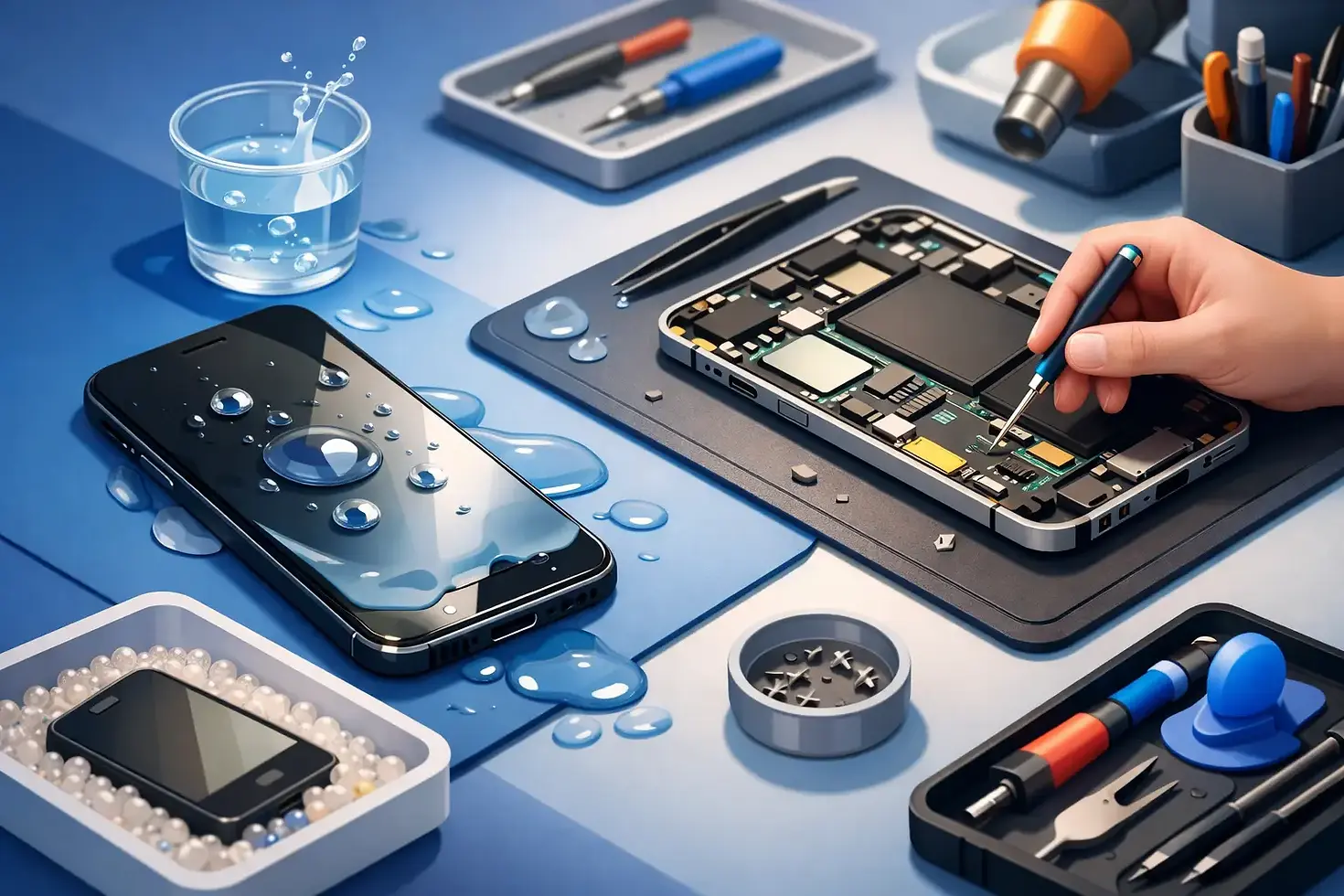
Water Damaged Phone Repair Steps That Matter

A phone dropped in a sink, caught in heavy rain or left in a damp pocket can look perfectly normal at first. Then the screen flickers, the charging port stops working or the device will not switch on the next morning. Water damaged phone repair is often possible, but the first few minutes can make a real difference to the outcome.
The aim is not to dry the outside of the phone and hope for the best. Moisture can travel through charging ports, speaker grilles, SIM trays and tiny gaps around buttons. Once inside, it can cause a short circuit or begin corroding delicate components. Acting calmly and quickly gives your phone the best chance.
What to do as soon as your phone gets wet
First, remove the phone from the water and switch it off. If it is already off, leave it off. Do not press buttons repeatedly to test whether it still works, as this can move moisture further into the device.
Take off the case, unplug any accessories and remove the SIM tray if you can do so easily. Gently wipe the exterior with a clean, lint-free cloth, paying attention to the charging port, buttons and speaker openings. Keep the phone upright where possible, with the charging port facing down, so any loose water can drain out rather than deeper into the handset.
If the phone was exposed to seawater, a drink, bathwater or any liquid other than clean water, seek professional help as soon as possible. Salt, sugar, soap and minerals can leave conductive residue behind. Even when a phone appears to recover, that residue can continue damaging the board over time.
What not to do after water exposure
A few common fixes can cause more harm than good. Do not plug the phone in, place it on a wireless charger or connect it to a computer. Electricity and moisture are a poor combination, and charging a wet phone can turn a recoverable fault into a serious internal failure.
Avoid using a hairdryer, putting the phone on a radiator or leaving it in direct sunlight. Heat may warp seals, damage the battery or push moisture further inside. Compressed air is not a safe answer either, as it can force water into areas that were previously dry.
Rice is another popular suggestion, but it is not a reliable repair method. It does not remove contamination or corrosion from inside the phone, and dust from the rice can enter the ports. Leaving a device in a dry, ventilated place is safer than using rice, but it should not delay a proper assessment if the phone contains important data or is showing faults.
Why a phone can fail days later
Water damage is not always immediate. A phone may switch on after a spill, make calls and even charge normally for a day or two. That does not necessarily mean the inside is dry or undamaged.
When liquid reaches the logic board or connectors, corrosion can develop gradually. It may first affect a microphone, camera, speaker or face-recognition hardware. Later, the phone might develop random restarts, battery drain, charging problems or a screen that becomes unresponsive.
This is why a prompt inspection is worthwhile, particularly after full submersion. A technician can open the device safely, check for moisture and corrosion, clean affected areas where appropriate, and identify whether a component needs replacing. The sooner that work happens, the more likely it is that damage can be limited.
What happens during water damaged phone repair?
A good repair begins with diagnosis rather than assumptions. The technician will inspect the phone for signs of liquid ingress, test its key functions and assess whether it powers on safely. This helps separate a simple charging-port issue from a wider board-level fault.
Where the device can be opened without creating further damage, internal components are inspected for corrosion and residue. Depending on the model and the extent of exposure, the repair may involve careful cleaning, replacing a damaged battery, screen, charging port, camera or other affected part. If the board itself has been damaged, the options need to be explained clearly before further work is carried out.
Data recovery is often a major concern. Photos, messages, contacts and work files may be more valuable than the handset itself. If the phone still starts, avoid unnecessary use and let the technician know that protecting data is your priority. In some cases, the safest path is to stabilise the device long enough to back it up. In others, damage may prevent recovery. Honest advice matters here, because no repairer can guarantee data retrieval from every water-damaged phone.
Repair or replacement: which makes sense?
The answer depends on the age and value of the phone, how long it was wet, the type of liquid involved and which parts have failed. Replacing a charging port on a phone that is otherwise in good condition can be excellent value. A device with extensive corrosion, a damaged display and a failing logic board may be harder to justify repairing.
It is also worth considering what is not obvious from the initial fault. A phone may need one part today, but hidden corrosion could cause another issue later. A careful technician should explain that risk rather than presenting water damage as a simple, guaranteed fix.
For many people, a repair is still the sensible first option. It can cost less than replacing a premium handset, keeps a familiar device in use and may preserve data that has not been backed up. If repair is not economical, a clear diagnosis helps you make a confident decision rather than replacing a phone without knowing what went wrong.
Water resistance is not waterproofing
Many newer phones carry a water-resistance rating, but that rating has limits. It is usually based on controlled testing with fresh water, at a stated depth and for a limited time. It does not mean the phone is protected against every splash, shower, swim or dropped drink.
Water resistance can also reduce as a phone ages. A previous screen repair, a worn seal, a dented frame or everyday wear can affect how well the device keeps moisture out. Treat water resistance as extra protection for an accident, not permission to use a phone underwater.
Simple habits that reduce the risk
A protective case with raised edges can help prevent cracks that weaken the phone's seal. Keep the handset away from the edge of kitchen and bathroom surfaces, and avoid charging it where spills are likely. When travelling or working outdoors, a small waterproof pouch is a sensible safeguard.
Back-ups are just as valuable. Automatic photo and contact back-ups mean a wet phone is frustrating rather than devastating. If your phone has been exposed to water before, keep an eye on charging, sound quality, battery life and screen behaviour, even if it seems fine at first.
For customers in Waterlooville, Havant, Portsmouth and the surrounding area, Gemini Computing can assess water-damaged phones with the straightforward, personal attention a stressful device fault deserves. Repairs are handled with clear advice on what is practical, and covered by a 30-day repair guarantee where applicable.
If your phone has got wet, resist the urge to keep testing it. Switch it off, keep it unplugged and have it checked before a small amount of moisture becomes a larger and more expensive problem.


Comments