

Does Windows Need Antivirus? A Practical Answer

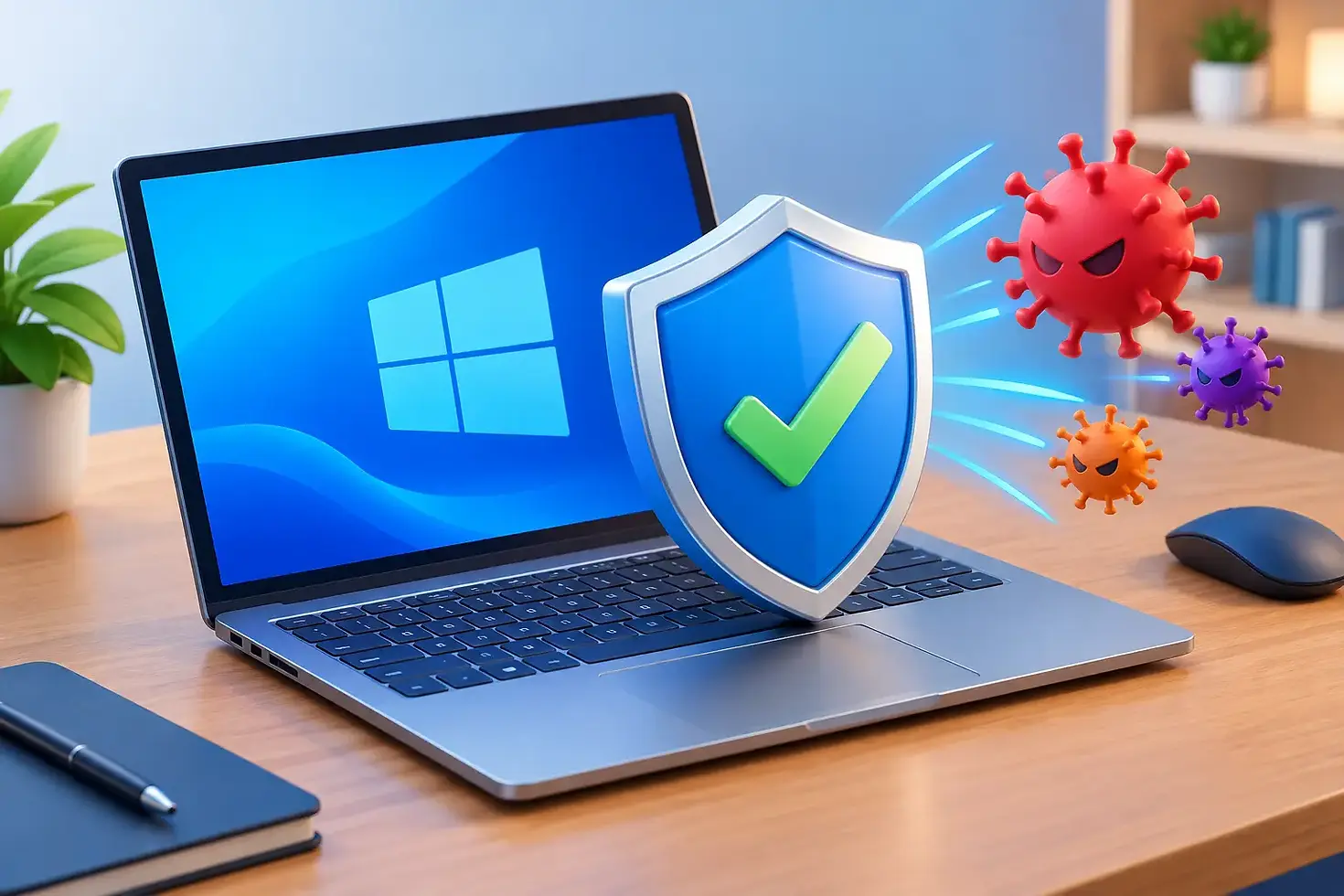
A new Windows laptop can feel ready for anything straight out of the box, but one question still comes up regularly: does Windows need antivirus software? The short answer is yes, Windows needs antivirus protection - but that does not automatically mean you need to pay for a separate antivirus package.
Modern Windows includes Microsoft Defender, a built-in security tool that provides solid protection for many home users. Whether it is enough for you depends less on the brand name on the box and more on how you use your computer.
Does Windows need antivirus if it has Microsoft Defender?
Microsoft Defender is included with Windows 10 and Windows 11 and switches on automatically when no other antivirus program is installed. It scans for malicious software, monitors suspicious activity, checks downloads and helps block known unsafe websites and files.
For many people, Defender is a sensible starting point. If you use your PC mainly for browsing, online banking, emails, video calls, homework, streaming and trusted shopping sites, keeping Windows and Defender up to date can provide a good level of day-to-day protection.
It is also simple. There is no extra subscription to manage, no sales pop-ups urging you to upgrade, and no need to install a second program that may slow down an older laptop. In practical terms, a fully updated Windows PC with Defender enabled is far safer than a PC with paid antivirus software that has expired, been ignored or switched off.
That said, antivirus is not a force field. Defender can catch a great deal, but no security program can safely compensate for every risky click, reused password or convincing scam email.
What antivirus software can and cannot do
Antivirus software looks for signs that a file, program or website may be harmful. It can block many common threats, including viruses, spyware, ransomware and unwanted software that changes your browser or fills it with adverts.
The difficulty is that criminals do not always rely on obvious malicious files. Some attacks are designed to persuade you to hand over information yourself. A message may appear to come from a delivery company, your bank, a family member or Microsoft support. It may say there is an urgent payment, a missed parcel or a problem with your account.
If you enter your password into a fake website, antivirus may not be able to undo that decision. The same applies if someone claiming to offer technical support is allowed to take control of your screen. Good protection reduces risk, but careful habits remain just as valuable.
A useful way to think about it is this: antivirus protects the computer, while your choices protect your accounts, money and personal information. You need both.
When Microsoft Defender is usually enough
For a home PC used carefully, Microsoft Defender is often enough when it is paired with sensible settings and regular updates. This is especially true if you use a modern browser, keep automatic updates enabled and download software only from sources you trust.
Defender is a reasonable choice if you do not need extra features such as a password manager, parental controls, identity monitoring or a virtual private network. Those features are often bundled into paid security packages, but they are not automatically essential for every household.
Before paying for another product, check whether it actually solves a problem you have. Some subscriptions add useful tools. Others add notifications, renewal reminders and background processes without meaningfully improving your day-to-day security.
There is also no benefit in running two real-time antivirus programs together. They can clash, slow the computer down, cause false warnings or make troubleshooting harder. If you install a third-party antivirus package, it should normally take over from Defender automatically.
When paid antivirus may be worth considering
A paid security suite can make sense for some users, particularly where convenience and extra support features are valuable. For example, it may suit a household with several devices, parents managing children’s internet access, or someone who wants one place to check password alerts and online safety settings.
It can also be helpful for people who regularly download files, use unfamiliar websites, work with sensitive business information or simply want more guidance than the built-in Windows tools provide. The value is often in the extras and ease of use, rather than the idea that Defender offers no protection at all.
If you choose a paid product, keep it straightforward. Pick one reputable provider, make sure the subscription is genuine, and avoid installing several security tools because a pop-up told you your PC was at risk. Scare tactics are common, especially on websites that claim to have found dozens of problems in seconds.
A trustworthy antivirus program should not constantly make your computer feel broken in order to sell you an upgrade.
The protection settings worth checking
Whether you rely on Defender or another provider, take a few minutes to check that the basics are in place. These steps are more useful than installing every security tool available.
Keep Windows updates turned on. Updates often fix weaknesses that criminals actively target.
Confirm that real-time protection is enabled in Windows Security, unless your chosen antivirus has replaced it.
Use a separate, strong password for each important account, especially email and banking.
Turn on two-factor authentication wherever it is offered. A stolen password alone is then less useful to a criminal.
Back up important photos, documents and work files. A backup protects you from ransomware, hardware failure and accidental deletion.
Be cautious with unexpected attachments, QR codes, text messages and requests for remote access.
Your email account deserves particular attention. It is often the key to resetting passwords for other services. Use a strong unique password, two-factor authentication and up-to-date recovery details. If an attacker gains access to your email, they may be able to work their way into far more important accounts.
Signs your Windows computer may already have a problem
Antivirus protection is only one part of keeping a PC healthy. A slow computer does not always have a virus. It could be low storage, an ageing hard drive, too many programs starting with Windows, browser extensions or a software issue.
However, some signs are worth taking seriously. Repeated browser redirects, unfamiliar toolbars, pop-ups appearing when you are not browsing, programmes opening by themselves, disabled security settings and unexplained logins can all suggest unwanted software or an account issue.
Do not rush to install the first cleaner or antivirus tool advertised in a pop-up. Close the browser if possible, disconnect from the internet if you believe someone may be remotely accessing the computer, and avoid entering passwords until the issue has been checked.
For local home users and small businesses, a proper diagnosis is often better than guessing. At Gemini Computing, we regularly see computers made slower by unnecessary security software as well as genuine malware problems. The right fix starts with finding out what is actually happening, then making the computer secure without adding clutter.
A safer everyday routine beats panic buying
Windows does need antivirus protection, and for many people Microsoft Defender provides it well. The bigger difference comes from keeping software updated, using strong account security, making backups and treating urgent-looking messages with healthy scepticism.
If a warning appears, pause before clicking. Read what it says, check where it came from and ask for help if it does not feel right. A calm second look is often the best security tool on the computer.


Comments