


When Laptop Screen Repair Is Worth the Cost

A laptop can still power on, make its usual sounds and even receive notifications while its display tells a very different story. A cracked panel, flickering image or completely black screen can stop work, study and everyday use in an instant. Professional laptop screen repair is often a sensible alternative to replacing an otherwise reliable device, but the right answer depends on what has actually failed.
The screen itself is only one part of the picture. A visible crack may point to a damaged display panel, while lines, dim lighting or an intermittent image can also be caused by a loose cable, a worn hinge or a graphics-related fault. Getting the diagnosis right before ordering parts helps avoid unnecessary cost and gives you a clear idea of whether repair is worthwhile.
What type of screen fault do you have?
A cracked display is the most obvious problem. Impact damage commonly creates a spider-web pattern, dark patches, coloured lines or ink-like marks beneath the surface. Even if the laptop still works, the panel will usually need replacing. Pressing on the damaged area, applying tape or trying to continue using it can make the damage spread.
A black screen is less straightforward. If the power light comes on and you can hear the fan or Windows start-up sound, the laptop may be running normally but failing to show an image. The panel could be faulty, but so could the display cable, backlight circuit or another internal component. Connecting the laptop to an external monitor can be useful for diagnosis, although it is not a full answer on its own.
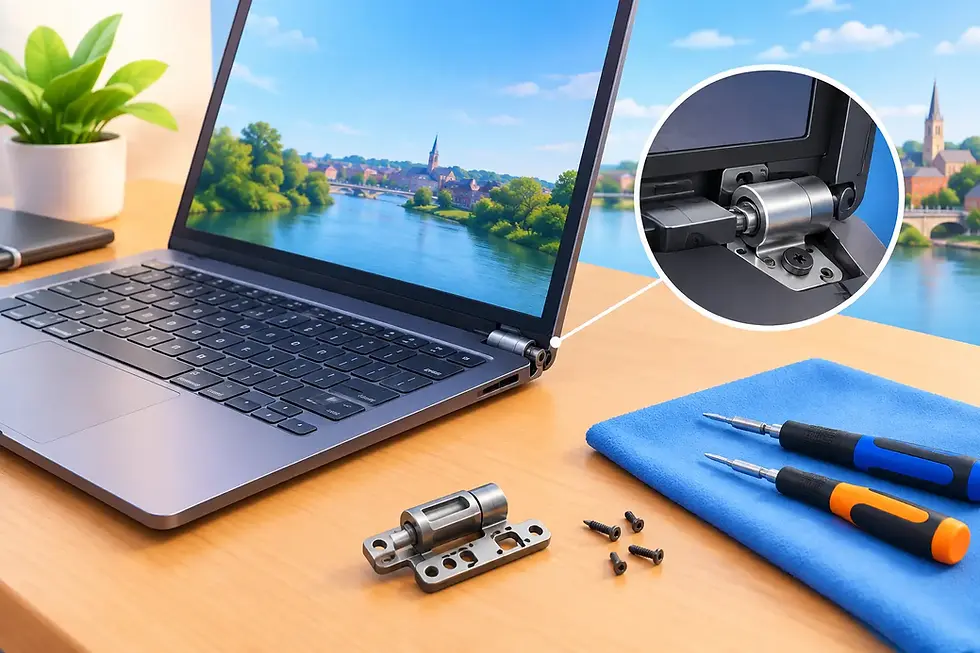
Flickering, flashing or horizontal lines can develop gradually. Sometimes the image changes when you move the lid, which may suggest that the cable running through the hinge is worn or loose. If the fault appears on both the laptop screen and an external display, it may be related to graphics hardware or software instead. That difference matters because the repair approach, time and cost can be very different.
Other signs are easy to overlook. A screen that is very dim but still visible under a torch, a display with a persistent coloured stripe, or a panel that works only at certain lid angles all deserve proper inspection. These faults rarely disappear permanently on their own.
When laptop screen repair makes good sense
Screen replacement is usually good value when the laptop is otherwise working well. If it starts quickly, holds charge reasonably, runs the programs you need and has enough storage and memory for your day-to-day tasks, a new display can give it several more useful years.
It can be particularly worthwhile for a device with a good processor, a solid-state drive or a model that would be expensive to replace like-for-like. Students, home workers and small businesses often have software, files and settings already established on a machine, too. Keeping that familiar setup can be more convenient than moving everything to a new laptop.
Repair is not always the best choice, though. An older budget laptop with a damaged screen, failing battery, broken keyboard and slow performance may need more investment than it is worth. In that situation, a technician should explain the options plainly rather than push a repair that does not make financial sense.
The key question is not simply, “Can it be fixed?” Most display faults can be addressed. The better question is whether fixing this particular laptop gives you reliable, practical value compared with replacement.
The panel specification matters
Laptop displays are not all interchangeable. The correct replacement needs to match the panel size, resolution, connector type and mounting arrangement. Some models also use touch capability, high-refresh panels, slim bezels or specific screen finishes. A panel that physically fits is not necessarily the right part.
This is why identifying the laptop model is useful, but it is not always enough. Manufacturers can use different screen connections within the same model range. A careful repair service checks the existing panel specification before fitting a replacement, rather than relying on a broad description alone.
Choosing between a standard and higher-quality replacement may also be possible for some devices. A basic compatible panel can be cost-effective, while a like-for-like panel may be preferable where colour quality, brightness or touch functionality matter for work or creative use. There is no one-size-fits-all answer, and the best choice should suit how you use the laptop.
What happens during a professional screen repair?
A proper repair begins with a fault check. The technician will look for signs of impact damage, test the image where possible and consider whether a cable, hinge or internal connection could be contributing to the issue. This matters because replacing a panel will not solve a fault caused elsewhere.
Once the cause is clear, the damaged screen assembly is carefully removed. Modern laptop bezels can be thin and fragile, and display cables are delicate, so this is not a job that benefits from force or guesswork. The new panel is fitted, connected and tested before the laptop is reassembled.
Testing should cover more than whether the screen turns on. Brightness, colour, resolution, dead pixels, stability and lid movement should all be checked. If the laptop has a webcam, touch screen or proximity components built into the display assembly, these should be checked too.
At Gemini Computing, repairs are handled with the same practical focus: understand the fault, fit the appropriate part and make sure the device is working properly before it goes back to its owner. A 30-day repair guarantee also gives customers reassurance if an issue related to the work needs attention afterwards.
Can you repair a laptop screen yourself?
Some people do successfully replace a screen at home, particularly on older models with accessible bezels and straightforward fittings. If you are confident handling small electronics, have the exact correct panel and understand the risks, it may be an option.
However, the apparent saving can disappear quickly if the wrong panel is ordered, a connector is damaged or a fragile bezel breaks during removal. Batteries should also be disconnected before internal work, and some laptops are much more involved than online videos make them appear. Thin modern machines, touch-screen models and laptops with adhesive-mounted panels deserve extra care.
A repair service can be the safer route where the device contains important work, family photos or study files. Screen damage does not normally affect stored data, but an accidental mistake during a do-it-yourself repair can create a much bigger problem than the original cracked panel.
Protecting the replacement screen
A new screen deserves a little protection, especially if the laptop travels between home, school and work. Close the lid gently and do not leave pens, earbuds, charging leads or papers on the keyboard before shutting it. Even a small object can place concentrated pressure on the panel.
Use a padded sleeve or a properly fitted laptop bag when travelling. Avoid lifting the laptop by the display lid, and take care with stiff hinges or a case that no longer closes evenly. If a hinge is starting to crack, bind or pull away from the casing, deal with it early. A damaged hinge can put strain on the screen and cable every time the lid moves.
Cleaning also needs a gentle approach. Switch the laptop off, use a clean microfibre cloth and avoid spraying liquid directly onto the display. Harsh cleaners and excess moisture can damage screen coatings or seep around the edges.
A clear diagnosis saves time and money
Whether your laptop has a visible crack, a screen that only works at a certain angle or an image that has disappeared altogether, do not assume the whole device is beyond saving. The screen fault may be isolated, and a well-chosen repair can be far more practical than starting again with a replacement laptop.
If you are unsure what you are looking at, take note of when the fault began, whether the laptop was dropped and whether an external monitor shows an image. Those details give a technician a stronger starting point. The next useful step is simply getting a clear, honest assessment, so you can decide with confidence what your laptop is worth to you.


Comments